AI Actions demos

Check out our product and automations in action.

Interactive demos

Try your hadn at real-world AI content workflows in our guided demos. Learn to automate content creation, improve SEO performance, and streamline your content operations.
Adapt content into new formats

Repurpose long-form content into structured FAQs and reusable formats. Improve discoverability, answer user questions faster, and make content easier to scale across channels.

    View demo

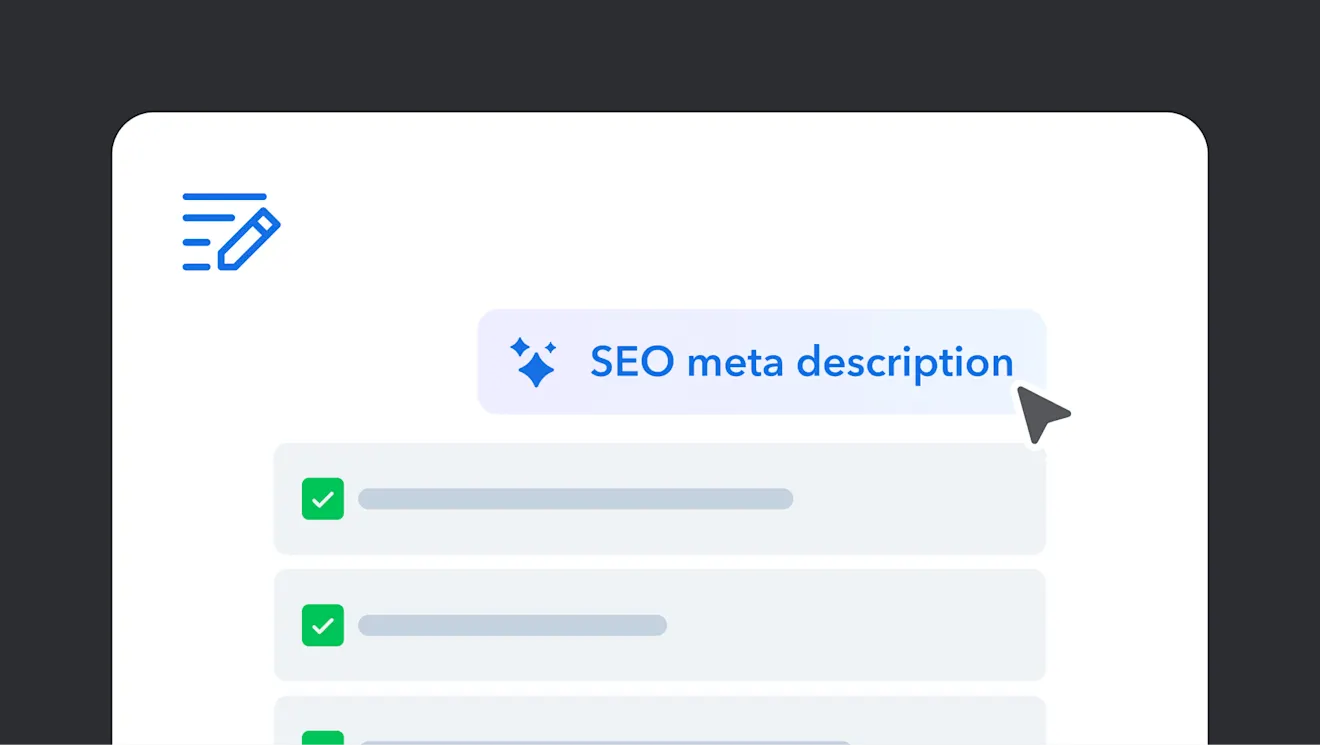
    Generate SEO metadata in bulk

    Generate SEO titles, descriptions, and keywords across your content in seconds. Improve search visibility and save time with consistent, high-quality metadata at scale.

      View demo

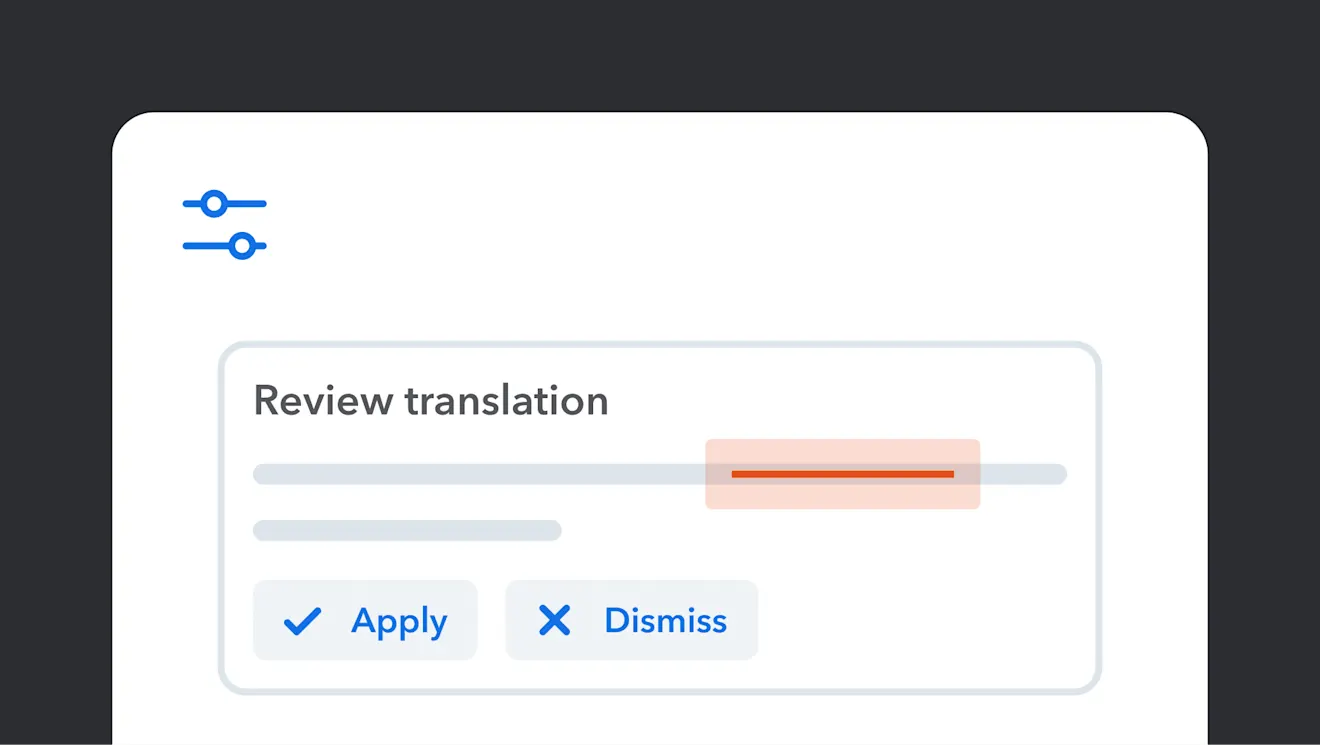
      Translate and refine content with AI

      Translate content into multiple languages and refine tone, clarity, and accuracy. Ensure brand consistency and publish localized content faster with AI support.

        View demo

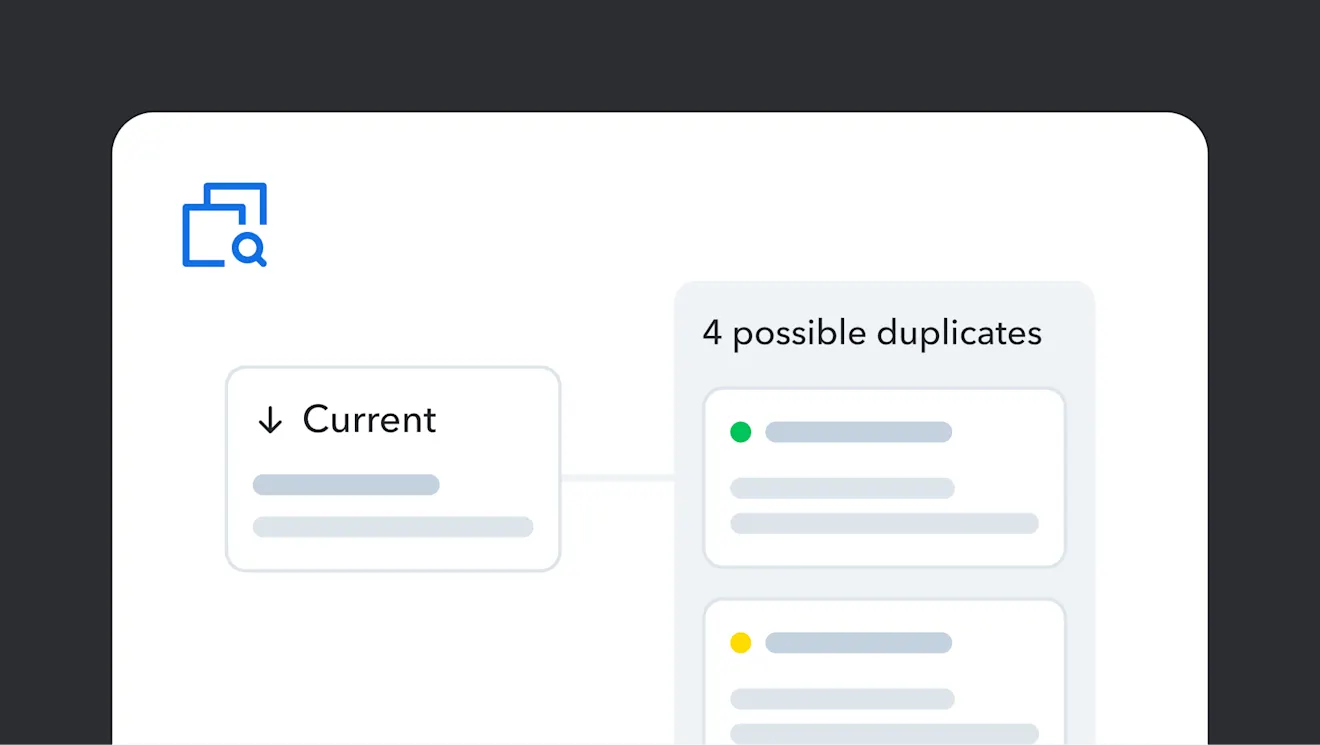
        Identify duplicate content

        Keep your content clean and consistent by spotting duplicates before they spread. Quickly scan for similar content to stay organized and avoid unnecessary sprawl.

          View demo

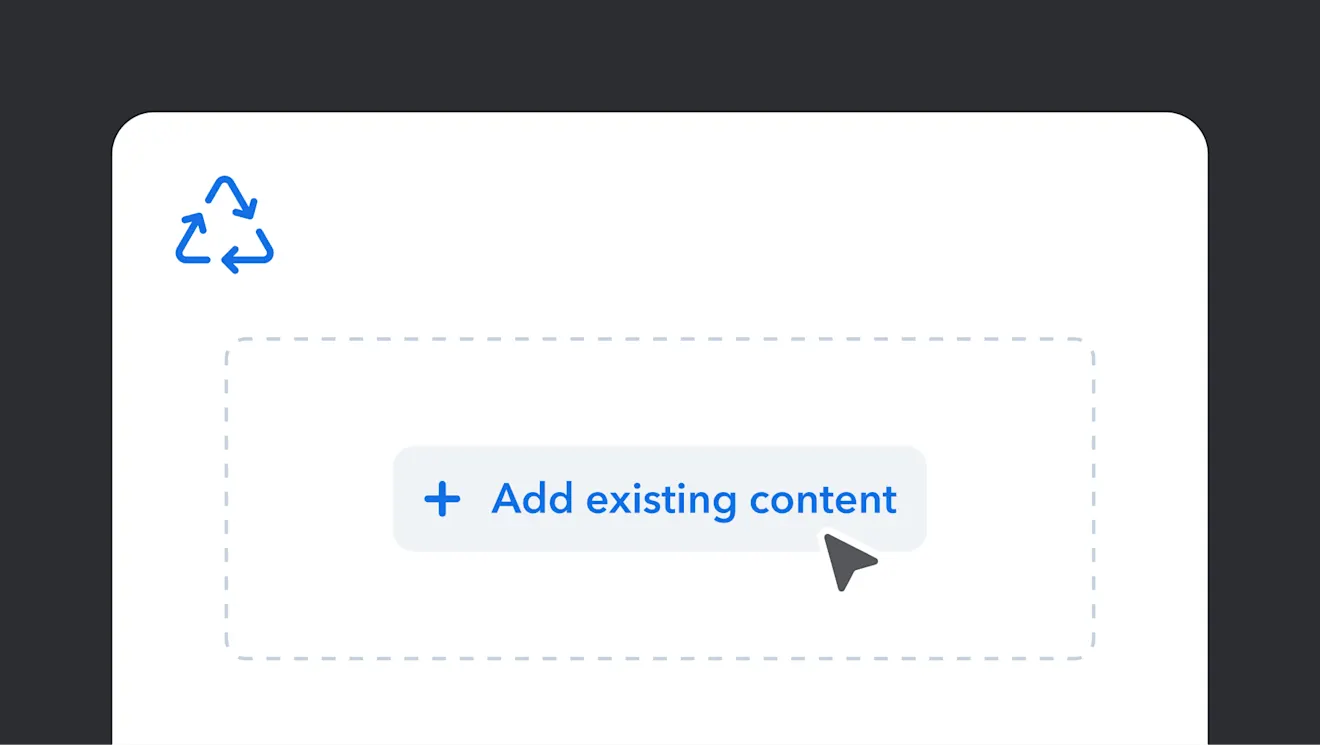
          Content reuse suggestions

          Find and reuse the right content without breaking your flow. As you build, helpful suggestions appear so you can stay consistent and avoid starting from scratch.

            View demo

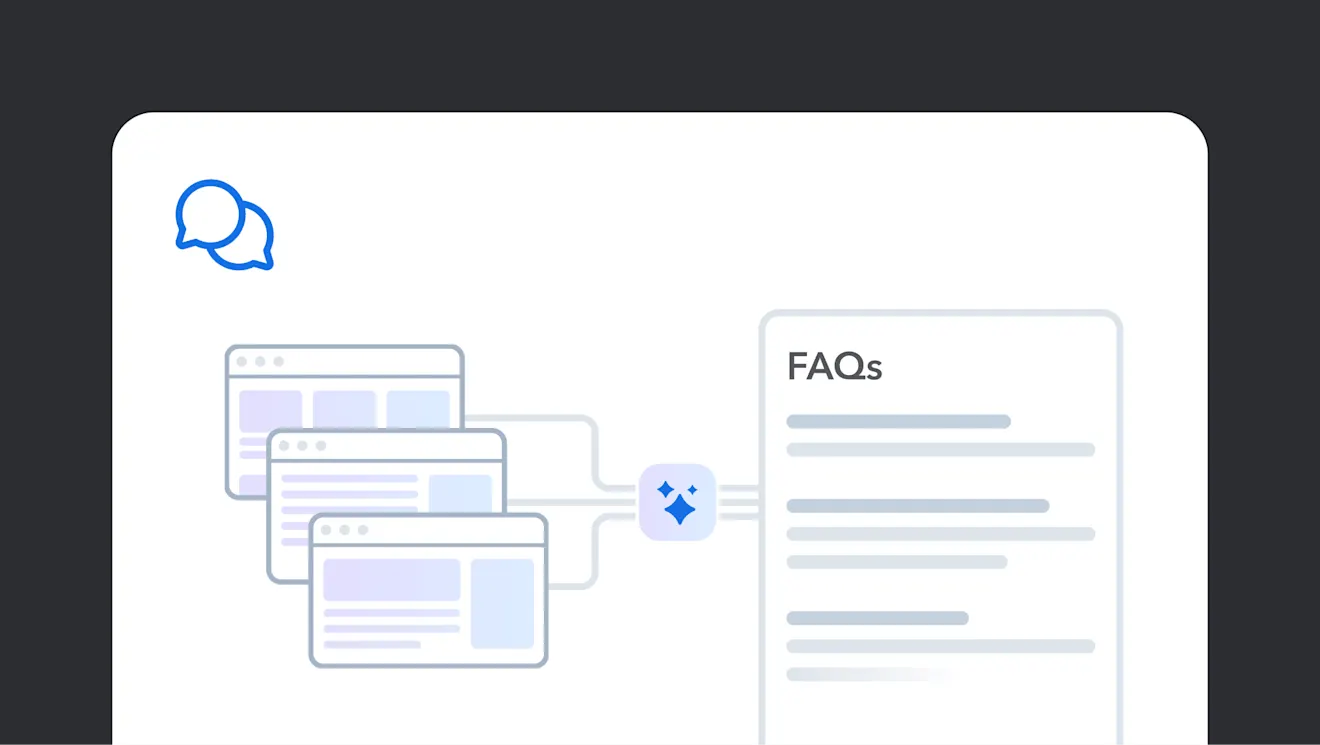
            Generate FAQs with Smart Context

            Turn existing content into clear, customer-ready FAQs in minutes. See how AI helps you create helpful answers faster without starting from scratch.

              View demo

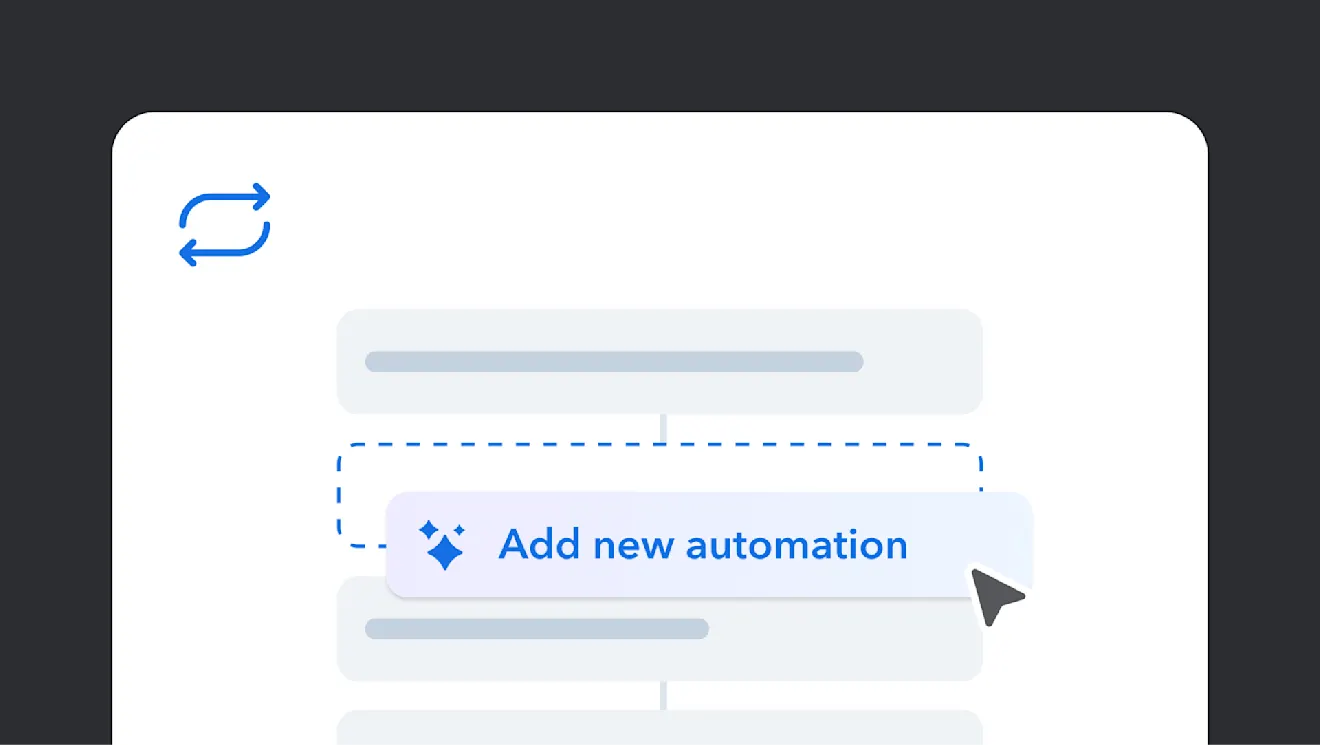
              Automations

              Create the content you need faster with AI-assisted automations.

                View demo
                Interface showing "Add new automation" button in blue with a diamond icon, surrounded by light gray placeholder elements

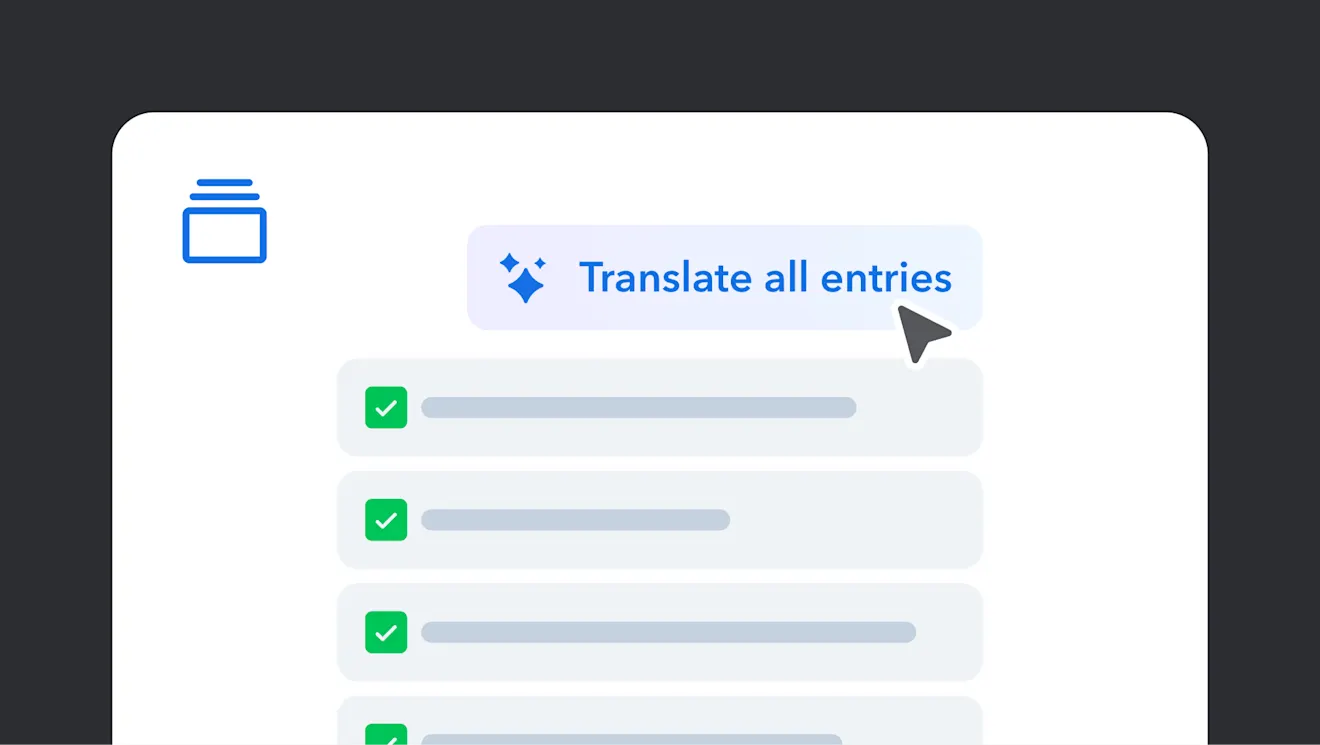
                Run AI Actions in bulk: Translation

                Run AI Actions on multiple pieces of content simultaneously and speed up production.

                  View demo
                  Interface showing "Translate all entries" button with blue sparkle icon above a list of checked items with gray progress bars

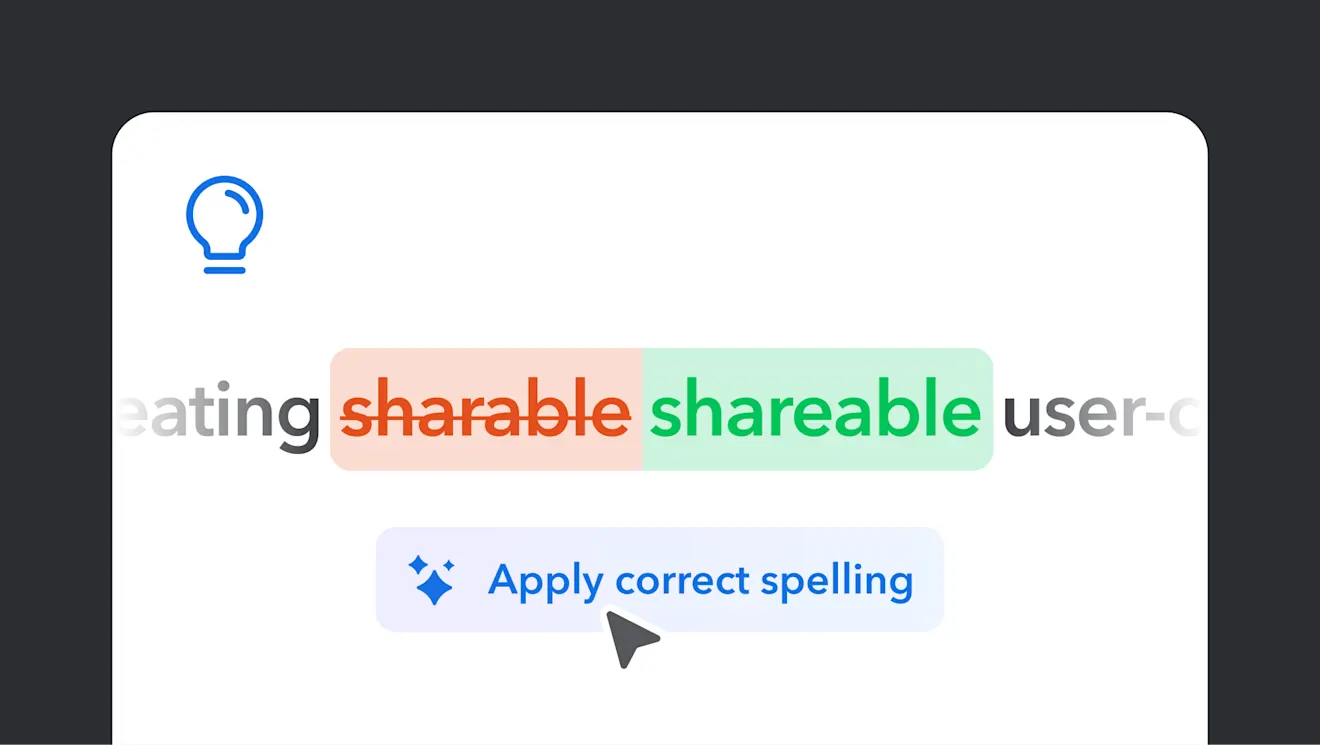
                  Improve quality with AI Suggestions

                  Get helpful suggestions to improve your content’s clarity and accuracy in a snap.

                    View demo
                    Illustration correcting the spelling of "sharable" to "shareable" with a light bulb icon and "Apply correct spelling" suggestion below

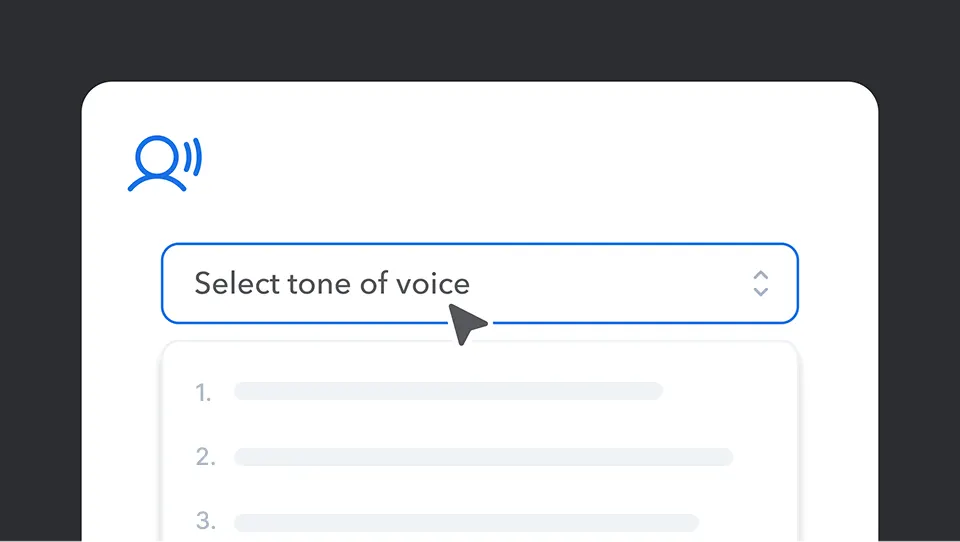
                    Tone of voice consistency

                    Improve your brand's tone across all content, and connect better with your audience.

                      View demo
                      A dropdown menu interface showing "Select tone of voice" with a blue speaking icon above and numbered options below

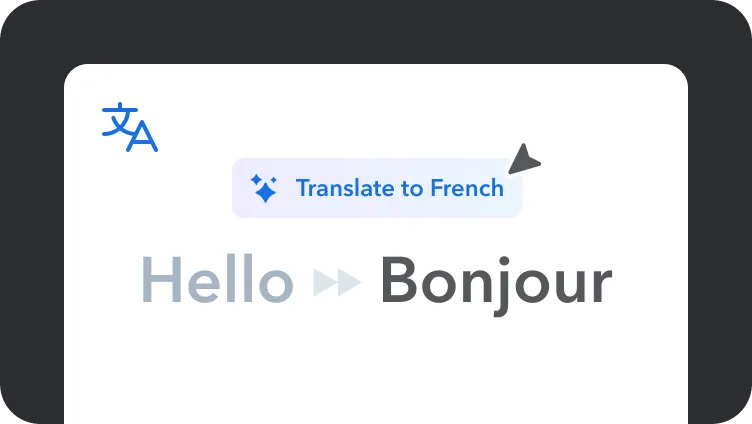
                      Translate

                      Convert text to another language to localize your content faster.

                        View demo
                        Translation interface showing "Hello" being translated to "Bonjour" in French, with a blue translate button above

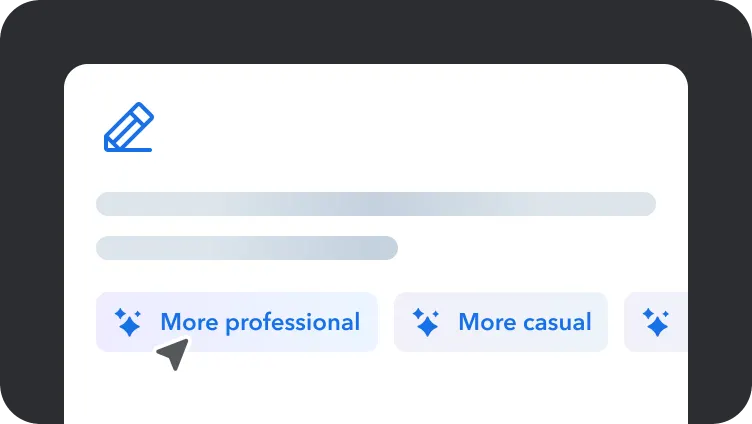
                        Rewrite

                        Easily improve the flow and clarity of your content to reach your desired audience.

                          View demo
                          Text editor interface with blue pencil icon and tone adjustment buttons showing "More professional" and "More casual" optionsText editor interface with blue pencil icon and tone adjustment buttons showing "More professional" and "More casual" options

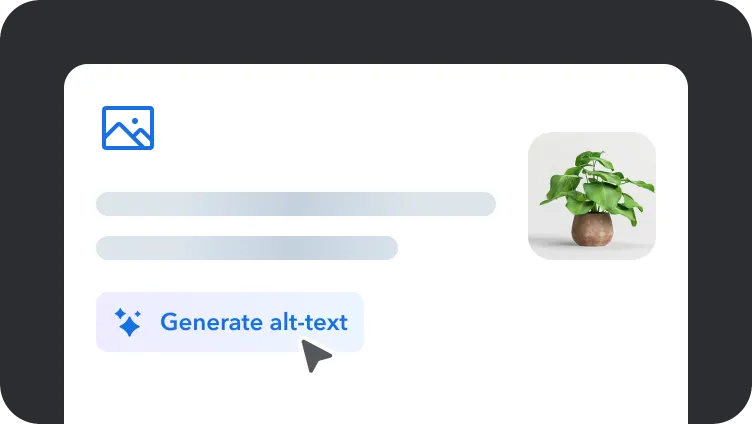
                          Image to alt-text generation

                          Generate clear and accurate alt-text for your media in seconds.

                            View demo
                            User interface showing a "Generate alt-text" button with cursor and decorative plant image in a light gray rounded containerUser interface showing a "Generate alt-text" button with cursor and decorative plant image in a light gray rounded container

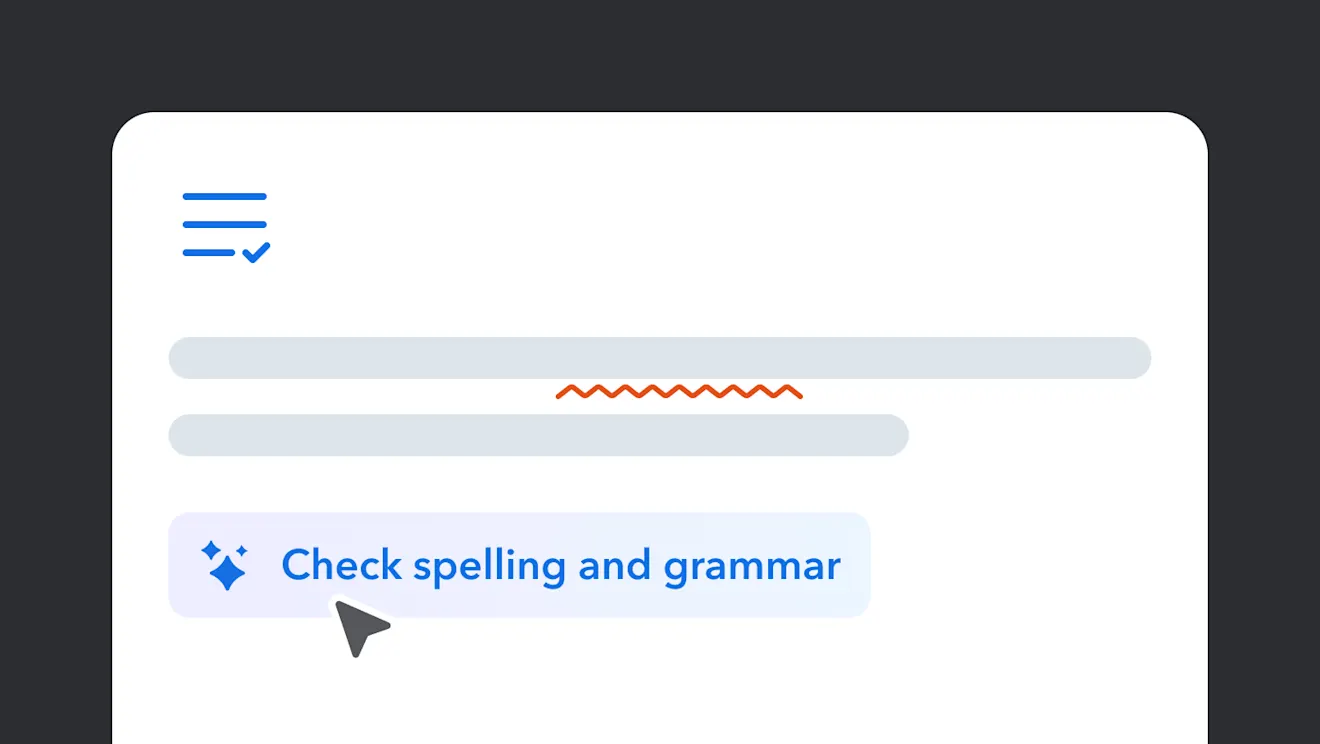
                            Fix spelling and grammar

                            Automatically detect and correct spelling and grammar errors.

                              View demo
                              Text editor interface showing "Check spelling and grammar" button Text editor interface showing "Check spelling and grammar" button

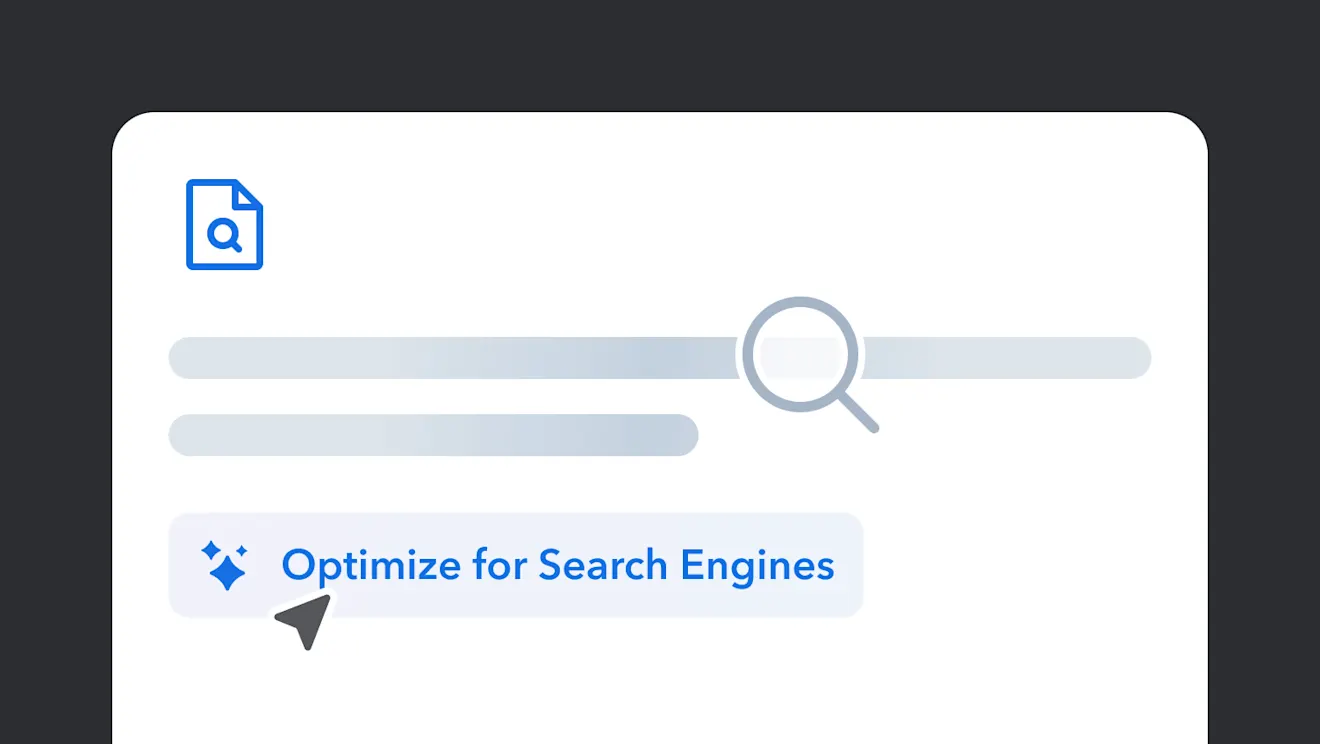
                              Optimize for SEO and keywords

                              Enhance your content’s visibility by improving it for SEO.

                                View demo
                                Illustration showing search optimization interface with magnifying glass icon, document symbol, and "Optimize for Search Engines" textIllustration showing search optimization interface with magnifying glass icon, document symbol, and "Optimize for Search Engines" text

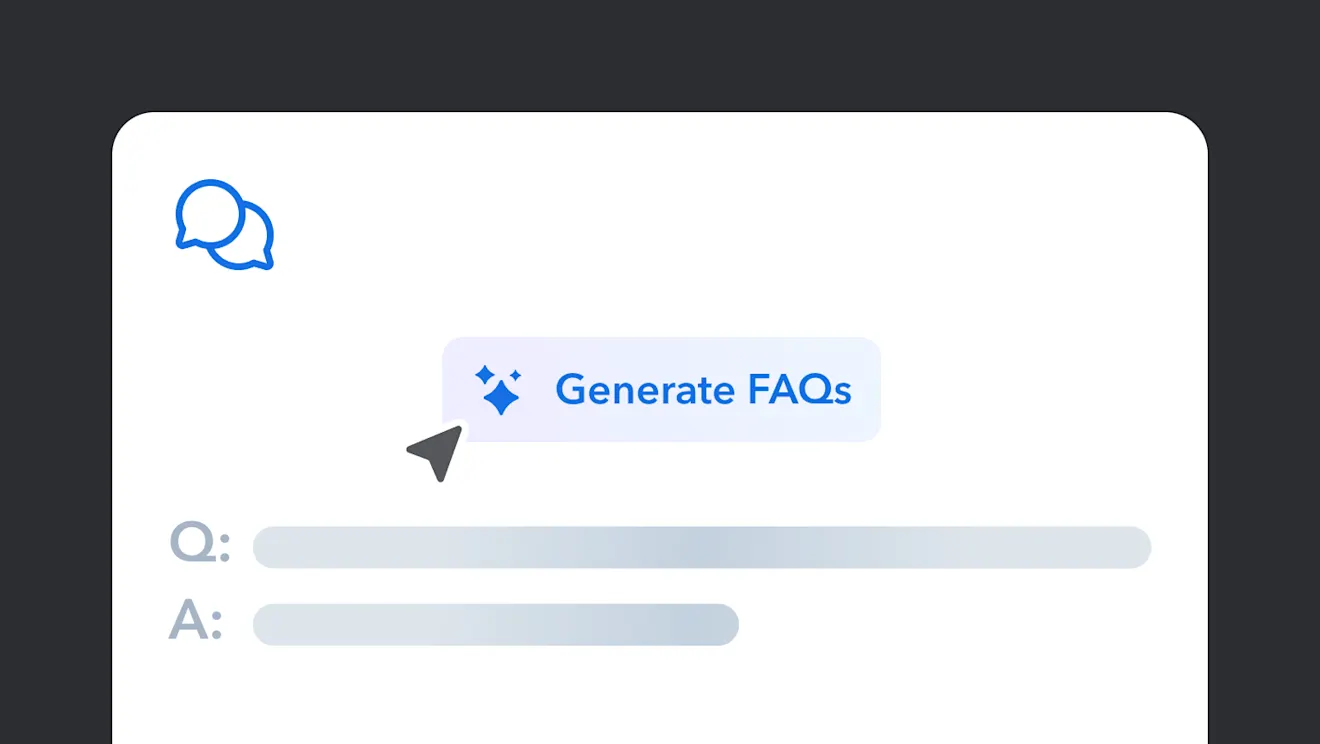
                                FAQ / Q&A generation

                                Use existing content in your Space to produce a set of questions and answers.

                                  View demo
                                  Interface showing "Generate FAQs" button with chat bubbles icon and placeholder text for Q&A format belowInterface showing "Generate FAQs" button with chat bubbles icon and placeholder text for Q&A format below

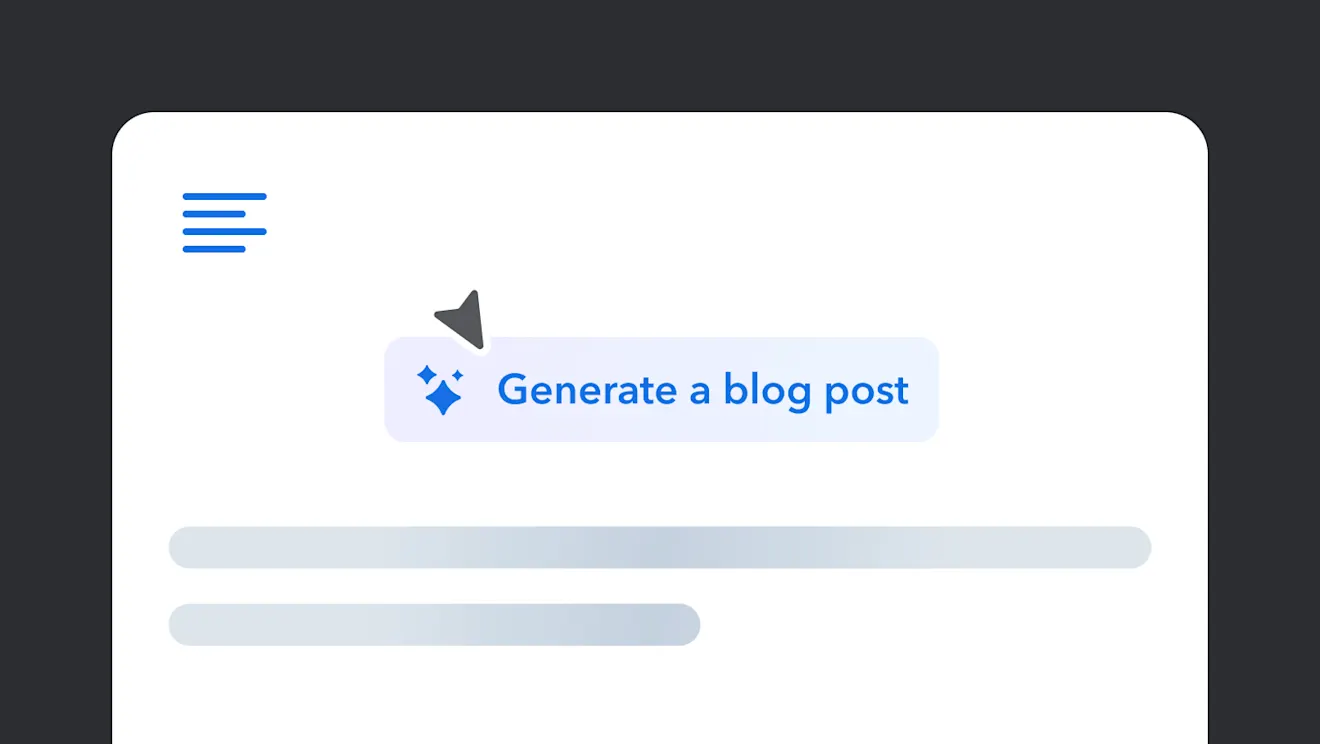
                                  Blog post generation

                                  Create a blog post about an existing topic in your Contentful Space.

                                    View demo
                                    A minimalist interface showing a "Generate a blog post" button in blue, with placeholder text bars and a cursor pointer aboveA minimalist interface showing a "Generate a blog post" button in blue, with placeholder text bars and a cursor pointer above

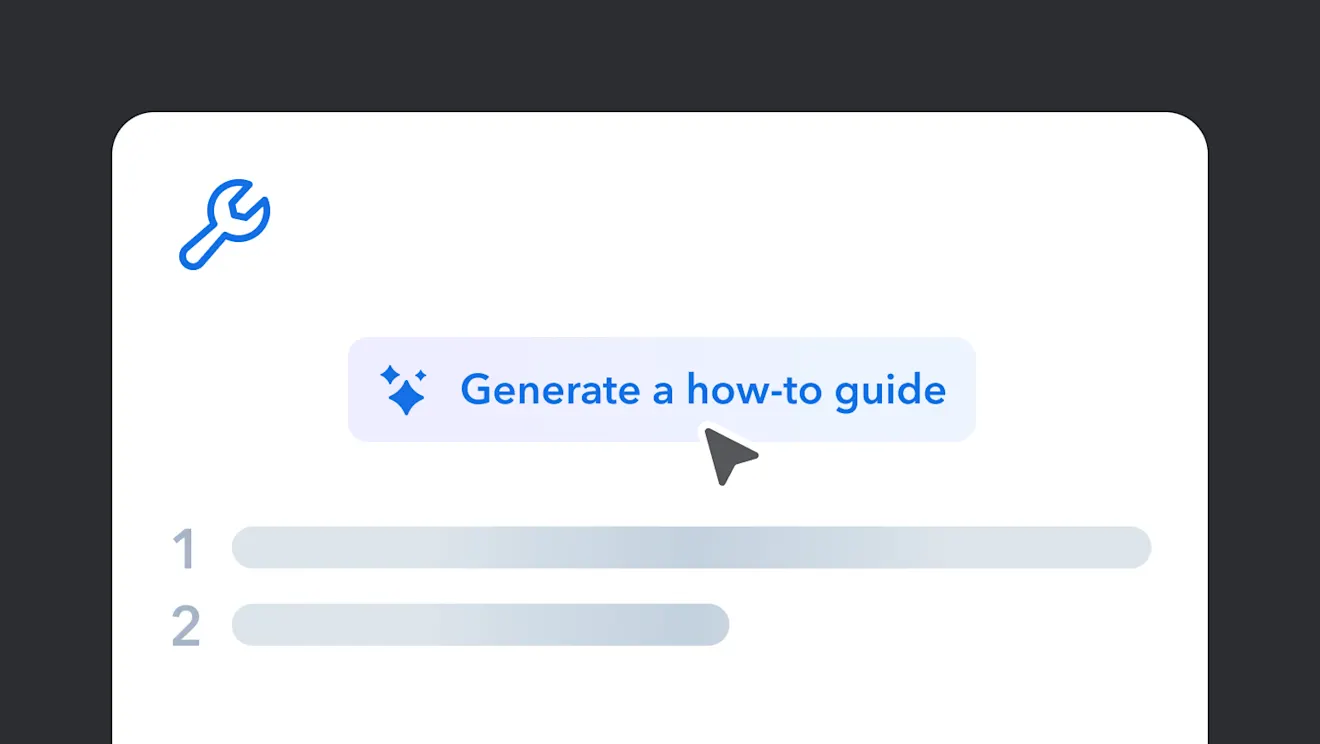
                                    How-to guide creation

                                    Create a help article from existing content in your Space.

                                      View demo
                                      Interface showing "Generate a how-to guide" button with blue wrench icon and numbered placeholder steps belowInterface showing "Generate a how-to guide" button with blue wrench icon and numbered placeholder steps below