Mux
Upload video assets using the Mux app
About the Mux app
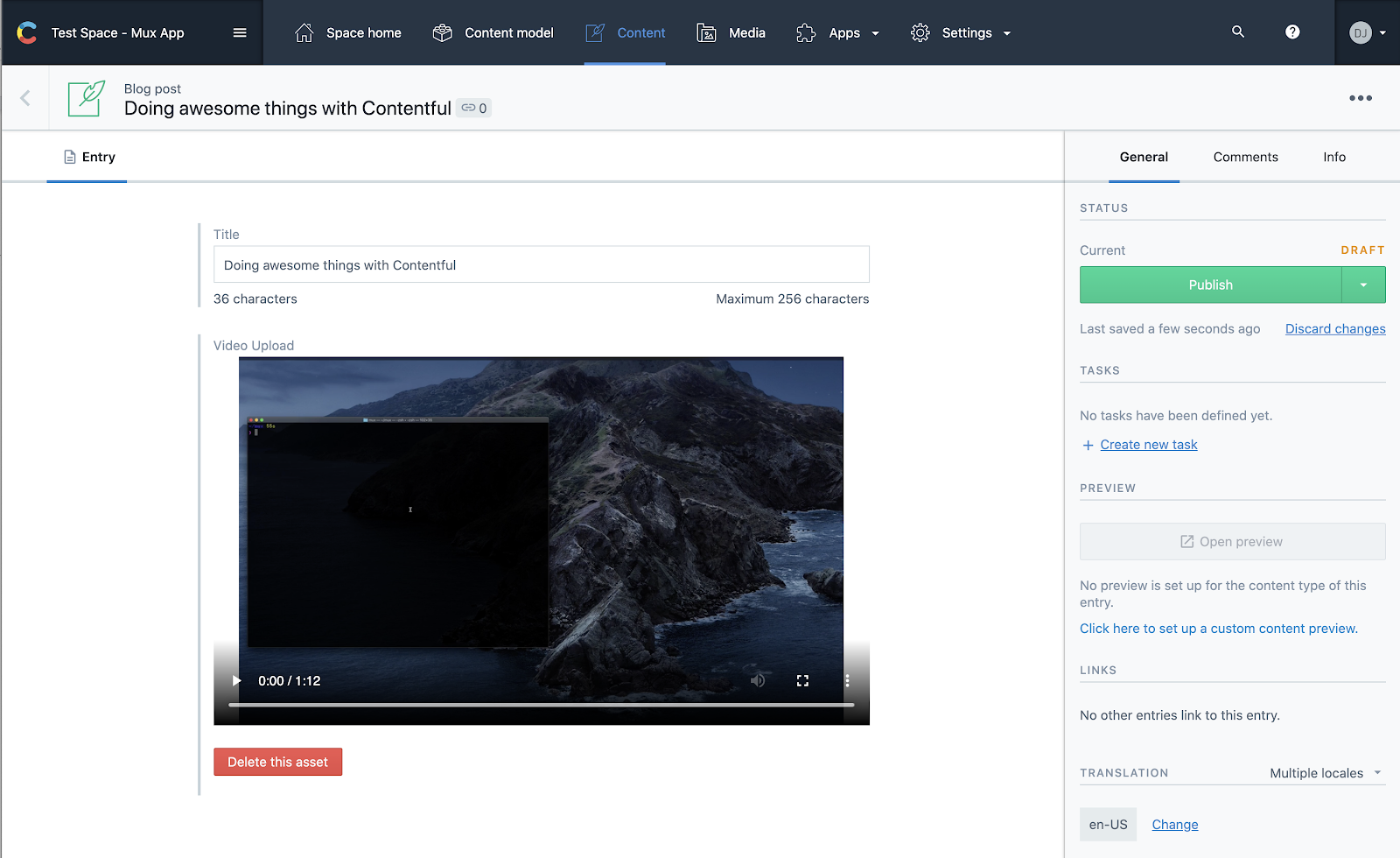
The Mux Contentful app connects Contentful with your Mux account so that Mux can handle uploading and streaming of your videos.
Features
- Upload videos to Mux inside Contentful, or add an existing Mux asset
- Add captions and audio tracks, with public, signed or DRM playback
- Run Mux Robots AI workflows without leaving Contentful: dub a video into new languages, generate premium captions, create chapters, find key moments, and summarize or moderate content
- Run any workflow on demand, or chain workflows with directives that run on every upload
- Track each job right where you edit
- Keep summaries and moderation results on the entry, returned by the Delivery API
Requirements
To use this app, you will need:
- A Mux account.
- An access token in your Mux account. You will need both the access token ID and the access token secret in the Contentful application. The access token you create should have “Full Access” to Mux Video.
Screenshots