

Automations guide
Overview
The following guide provides a detailed technical deep dive into the Automations feature. This resource is intended for admins and developers responsible for implementing, managing or extending automations.
How references work
Automations allow you to get data from one step to another using JSON path–based references and Handlebars expressions. This enables dynamic workflows where outputs from earlier steps (for example, an entry ID) are reused in later actions in that automation.
Each step in an automation produces a JSON response. You can reference values from that response in subsequent steps.
- References use JSON path–like syntax.
- Values are inserted using handlebars expression:
{{ $... }}.
Only required when changing values of a string.
- The structure of the data closely follows responses from the Content Management API (CMA).
Example
If a previous step creates an entry, its response might look like:
To reference the created entry ID in a later step:
{{$.steps._____stepId____.sys.id}}
Syntax
A typical reference follows this structure:
Automation actions
All actions map to Content Management API endpoints.
The result of the underlying CMA call becomes the output of the automation action and can be referenced in later steps.
More details for each action can be found in the linked CMA documentation.
AI Actions
App Actions
Component Types
-
Limitations:
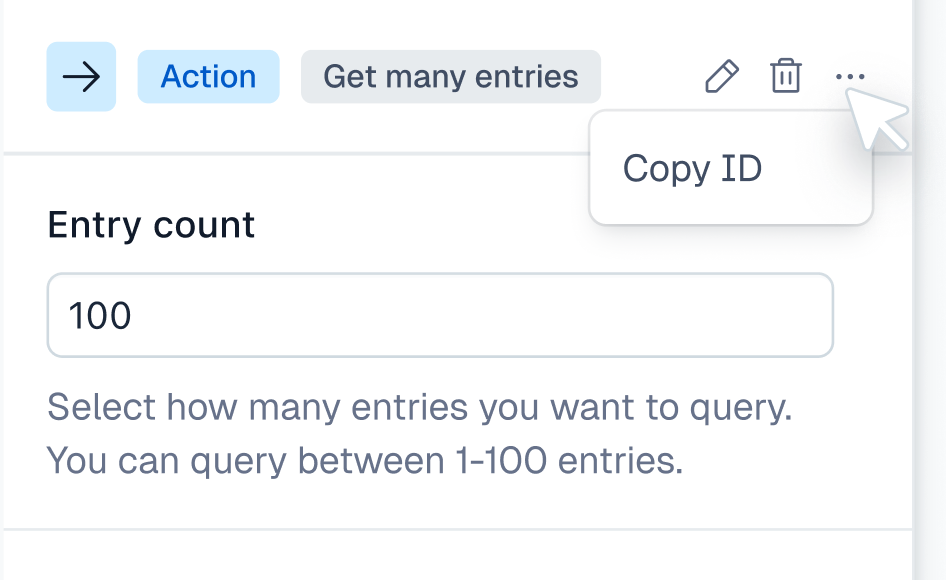
getManyreturns max 100 entries.